

Pixel Lagging After Android 17 QPR1? Here’s What to Check
Is your Pixel lagging after Android 17 QPR1? You may notice delayed animations, stuttering when opening apps, slow touch response, or brief freezes that weren’t happening before the update.
You’re not necessarily dealing with an aging phone or failing hardware. Some Pixel owners have reported new performance problems after the Android 17 QPR1 update, and a recently identified software regression may explain at least some of the lag and freezing.
Before you factory-reset your Pixel, here’s how to figure out whether QPR1 is actually responsible.
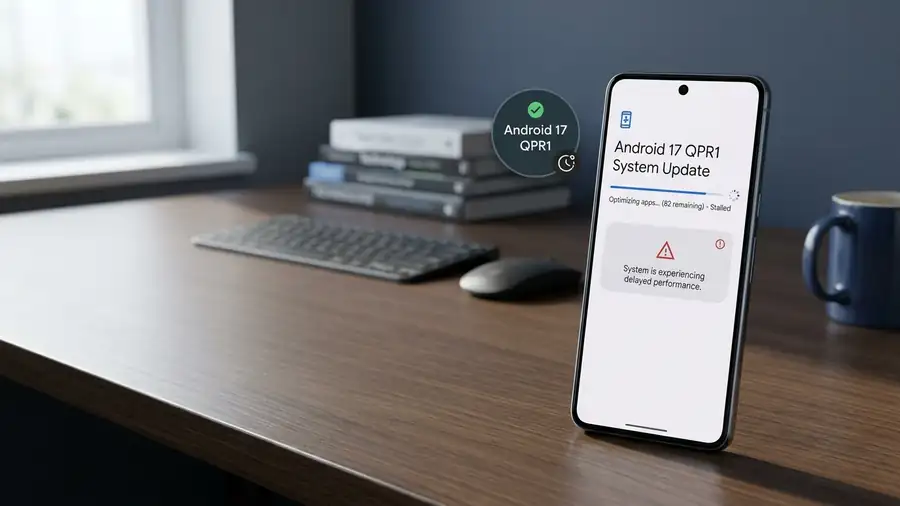
1. First, Check When the Lag Started
Think about when the problem appeared.
If your Pixel was running normally before Android 17 QPR1 and became noticeably slower shortly after installing it, that’s an important clue.
Pay attention to symptoms such as:
- Animations stuttering or starting late
- Apps taking longer to open
- Keyboard input feeling delayed
- The phone freezing for a few seconds
- Scrolling becoming less smooth
- Several unrelated apps becoming slow
If several parts of the phone feel slower at the same time, the problem may be system-level rather than one bad app.
For another Android 17-related problem, see our guide on Android 17 QPR1 apps crashing.
2. Restart the Pixel Before Changing Anything
A simple restart is still worth trying, especially if the lag appeared suddenly.
Press and hold the Power + Volume Up buttons on newer Pixel models, then tap Restart.
Use the phone normally for a few minutes after it boots.
If the lag disappears temporarily but returns later, note that pattern. It can help distinguish a temporary process or memory issue from a persistent software problem.
Google also recommends restarting a Pixel as one of the first steps when the phone is running slowly.
3. Check for Another Pixel Update
If QPR1 introduced the problem, the best solution may ultimately be another software update from Google.
Go to:
Settings → System → Software update
Check whether another update is available.
Don’t assume that because you’re already on Android 17, there can’t be another update waiting. Google can release additional fixes after a major quarterly update.
You can also check Google’s official Pixel software update information for information about Pixel update availability.
4. Update Your Apps Too
System updates can sometimes expose compatibility problems with apps that haven’t been updated yet.
Open:
Google Play Store → Profile picture → Manage apps & device
Install available updates, particularly for apps you use frequently.
If only one app feels slow while the rest of the Pixel is responsive, focus on that app instead of changing system settings.
If several apps are crashing as well as lagging, our Android apps keep crashing guide may help you narrow down whether an app is involved.
5. Check How Much Storage Is Available
Low storage can make a phone feel sluggish.
Go to:
Settings → Storage
Google says a Pixel can experience problems when less than 10% of storage is available.
You don’t need to delete everything.
Start with obvious space consumers such as:
- Large videos
- Downloaded files
- Unused apps
- Offline media
- Duplicate photos
Then restart the phone and see whether responsiveness improves.
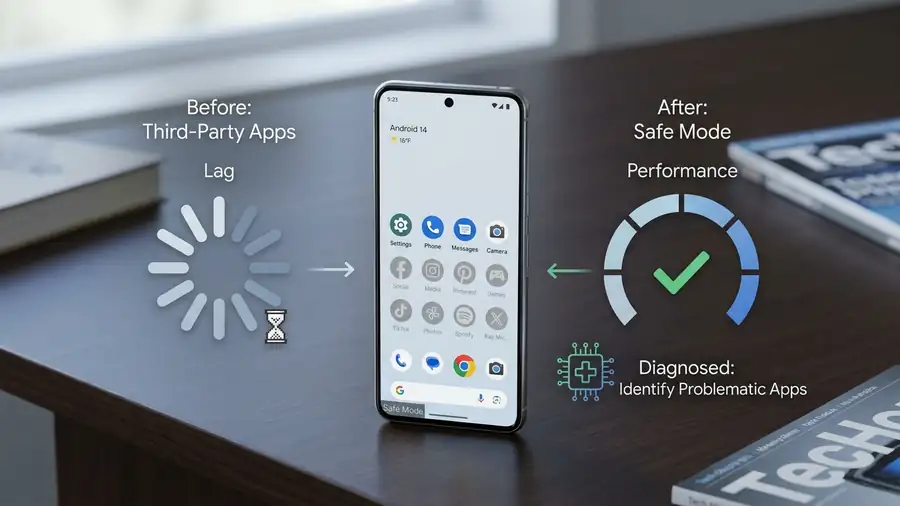
6. Test the Pixel in Safe Mode
This is one of the most useful tests if you’re unsure whether an installed app is responsible.
Safe Mode temporarily disables downloaded apps. If the Pixel suddenly becomes smooth in Safe Mode, a third-party app is a strong suspect.
On newer Pixel phones:
- Press and hold Power + Volume Up.
- Touch and hold Power off or Restart.
- Tap OK to enter Safe Mode.
- Use the phone for a few minutes.
If the lag disappears, think about apps installed or updated shortly before the problem began.
For another Android 17 issue involving device responsiveness, you can also check our guide on Android 17 touch screen problems.
7. Don’t Factory Reset Yet
A factory reset should not be your first reaction to QPR1-related lag.
It removes your data and installed apps, so you should back up the phone before considering it. Google lists factory reset as an advanced troubleshooting step rather than an initial fix.
More importantly, if the slowdown is caused by a software regression in QPR1 itself, wiping your phone may not solve the underlying problem.
Could Android 17 QPR1 Really Be Causing the Lag?
Possibly.
On October 5, 2026, Android Authority reported that GrapheneOS identified a regression introduced with Android 17 QPR1 that can cause lag, stuttering, freezes, and app crashes under memory pressure. GrapheneOS has already patched the issue in its own software, while stock Pixel users are waiting for Google’s fix.
That doesn’t mean every slow Pixel is affected by the same bug. But if your phone became noticeably slower immediately after QPR1, the timing is worth taking seriously.
You can read the full Android 17 QPR1 performance regression report for more technical details.
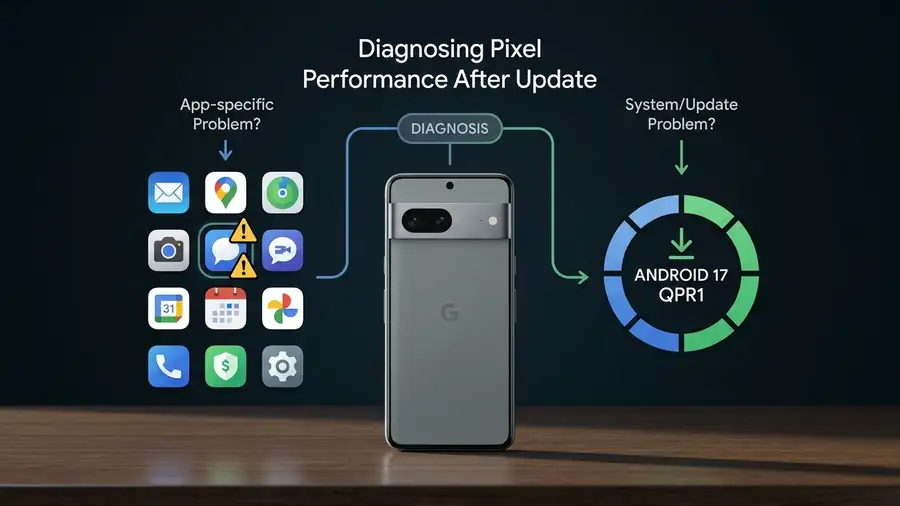
Quick Diagnosis
| What you’re seeing | Most likely direction |
|---|---|
| Lag started immediately after QPR1 | Possible update-related issue |
| Only one app is slow | App-specific problem |
| Several apps are crashing too | Android/app compatibility issue |
| Less than 10% storage available | Storage may contribute |
| Phone is smooth in Safe Mode | Third-party app likely |
| Lag remains after every restart | System-level issue more likely |
What Should You Do Now?
If your Pixel started lagging specifically after Android 17 QPR1, don’t immediately assume the hardware is failing.
Restart the phone, install any available updates, update your apps, check storage, and test Safe Mode. If the phone remains slow despite these checks, the problem may be related to the QPR1 software itself rather than something you can fix with a simple setting.
And if Google’s next Pixel update addresses the regression, installing it may be more useful than repeatedly resetting the phone.
FAQ
Why is my Pixel lagging after Android 17 QPR1?
A QPR1-related software regression may be responsible for some cases of lag, stuttering, freezing, and crashes, although not every Pixel is affected.
Will a factory reset fix Pixel lag after QPR1?
Not necessarily. If the cause is a system-level software regression, a factory reset may not address it.
How do I know if an app is causing the lag?
Test the Pixel in Safe Mode. If performance improves significantly, a downloaded app is a likely cause.
Should I wait for another Google update?
If the lag clearly started after QPR1 and basic troubleshooting doesn’t help, keeping the phone updated is reasonable while waiting for a potential Google fix.