
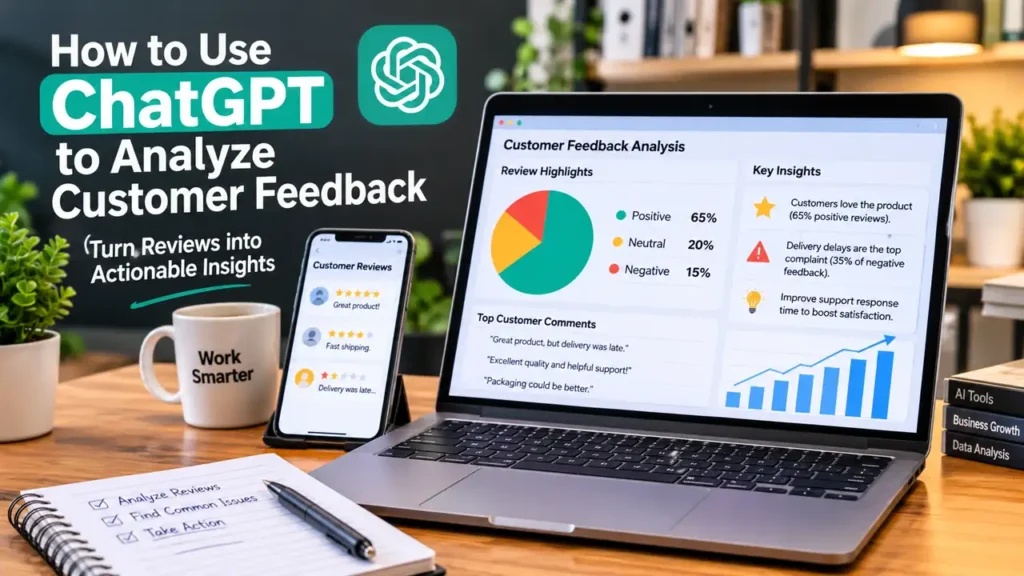

How to Use ChatGPT to Analyze Customer Feedback
A business can receive hundreds of customer reviews every month and still struggle to understand what customers actually want. One customer complains about late delivery, another mentions poor support, and someone else leaves a negative review without explaining why.
Reading every comment manually takes time, and recurring problems can easily get overlooked.
ChatGPT customer feedback analysis helps businesses turn scattered reviews, survey responses, and customer complaints into useful insights. It can identify recurring issues, organize customer opinions, and suggest practical improvements.
Here’s how to do it with a simple spreadsheet and a reusable prompt.
1. Prepare Your Customer Feedback
Start by collecting feedback from Google reviews, customer surveys, product reviews, and support messages.
Create an Excel or CSV file with one customer comment per row.
| Source | Customer feedback |
|---|---|
| Google Review | My order arrived two days late. |
| Survey | Customer support took too long to reply. |
| Product Review | The product was good, but packaging was damaged. |
Keep the original comments unchanged, but remove names, email addresses, phone numbers, and other personal information before uploading the file.
A simple spreadsheet is enough to get started.
2. Upload Your File to ChatGPT
Visit ChatGPT and start a new conversation.
Click the attachment button and upload your Excel or CSV file, if file uploads are available on your account.
Explain what the spreadsheet contains. For example:
“This file contains customer feedback from an online store. Identify the most common problems and explain what customers want us to improve.”
ChatGPT’s data analysis features can help examine spreadsheet data, identify patterns, and create charts. See OpenAI’s file upload guide.

3. Use This ChatGPT Prompt to Find Common Complaints
A vague request like “Analyze this feedback” may produce a generic summary. Instead, use a more specific prompt.
Copy and paste this:
Analyze the customer feedback in the uploaded spreadsheet.
- Group similar complaints into clear categories.
- Identify the five most frequent problems.
- Count the comments in each category.
- Include original customer quotes as evidence.
- Separate recurring problems from isolated complaints.
- Suggest three practical improvements.
- Create a seven-day action plan.
Do not invent comments, counts, or conclusions. Explain when the available data is insufficient.
This gives you a structured overview of what customers are actually experiencing.
4. Turn Customer Insights Into Action
Suppose ChatGPT identifies delivery delays as a recurring complaint.
You can ask:
Based on the delivery complaints, suggest three realistic ways an online store could improve the customer experience. Explain how to measure whether each improvement works.
You can also use ChatGPT to draft replies to negative reviews, prepare customer service checklists, or compare feedback from different months.
The goal is to connect recommendations to real customer comments, not simply generate another report.

5. Check the Results Before Making Decisions
ChatGPT can misunderstand comments, group unrelated complaints together, or produce incorrect counts.
Before sharing its analysis:
- Check important numbers against the original spreadsheet.
- Confirm that quoted reviews are genuine.
- Review the suggested improvements.
- Avoid drawing conclusions from a small or unrepresentative sample.
Don’t upload confidential customer records or sensitive business information unless your company’s policies and account settings allow it. Read OpenAI’s guide on how ChatGPT uses data.
Frequently Asked Questions
Can ChatGPT analyze Google reviews?
Yes. Collect reviews in a spreadsheet and upload the file. ChatGPT can group recurring topics and summarize customer concerns.
Can ChatGPT analyze customer feedback in Excel?
Yes. With supported file uploads, ChatGPT can examine Excel and CSV data, identify patterns, summarize comments, and help create charts.
Is ChatGPT accurate for customer feedback analysis?
It can save time, but its results need human verification. Always check important numbers, original comments, and recommendations.
More AI & Troubleshooting Guides from Neceb
- ChatGPT Not Loading? How to Tell If It’s Down
- Google Gemini Not Working? What to Check First
- Claude Not Uploading Files? 7 Fixes to Try
Final Thoughts
Customer feedback becomes valuable when a business knows what to do with it. ChatGPT can help turn scattered comments into a clearer picture of recurring problems and possible improvements.
Start with a clean spreadsheet, ask focused questions, and verify the results. Let AI help your team understand customers faster, while people make the final business decisions.