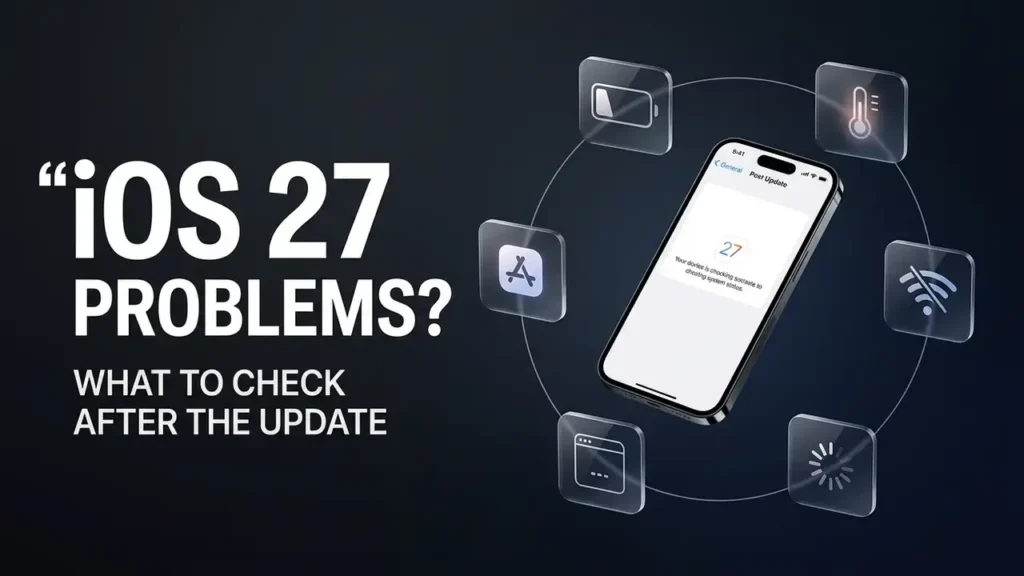

iOS 27 Problems? What to Check After the Update
If your iPhone starts acting differently after updating to iOS 27, don’t assume the update is broken.
Battery drain, extra heat, slower performance, Wi-Fi problems, and apps behaving strangely can have different causes. Some changes can also be temporary while your iPhone finishes update-related tasks in the background.
The first step is to find out what actually changed and whether the problem affects your whole iPhone or just one feature.
First, Give the Update a Little Time
If you just installed iOS 27, your iPhone may continue working in the background after the update finishes.
Apple says some tasks related to a software update can continue after installation and may temporarily affect battery life and thermal performance. You may even see an Ongoing iOS Update insight in Settings → Battery while this work is happening. (support.apple.com)
So don’t judge the update only by what happens during the first few hours.
If your iPhone is warm and the battery is draining faster immediately after the update, give it some time and check again over the next few days.
Battery Draining Faster After iOS 27?
Battery drain is one of the first things you may notice after a major iOS update.
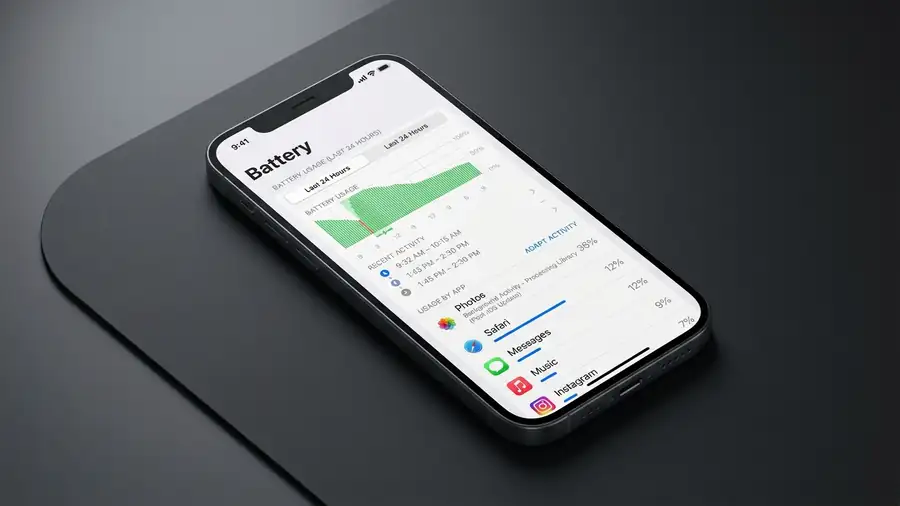
Before changing a lot of settings, open:
Settings → Battery
Check which apps and features are using the most power.
If the battery started draining faster immediately after the update, background tasks may be contributing. Apple says some update-related processes can continue after installation and temporarily affect battery life and thermal performance.
A useful clue
If battery usage starts returning to normal after a few days, the issue may have been related to temporary post-update activity.
If one particular app suddenly uses much more battery than usual, investigate that app instead of changing settings across your entire iPhone.
Apple recommends giving the device some time after a major update and checking Battery again if battery life seems worse. (Apple Support)
Is Your iPhone Running Hot?
Some extra warmth after a major software update can be normal.
Apple says iPhones may become warmer while completing a software update, restoring from a backup, or performing processor-intensive tasks. (support.apple.com)
However, there is a difference between warm and overheating.
If your iPhone is extremely hot, charging slows or stops, the display dims, or you see a temperature warning, stop intensive use and let the device cool down. (support.apple.com)
Don’t keep testing games, video recording, or other demanding apps while the phone is already overheating.
iOS 27 Feels Slow or Laggy
If animations feel slower or apps take longer to open, first check whether the entire iPhone is affected.
Try opening several different apps.
Then restart your iPhone and test again.
If only one app is slow, the issue may be with that app rather than iOS itself.
If the entire system remains slow after the update has had time to finish its background work, check whether another iOS update is available under:
Settings → General → Software Update
Keeping iOS updated can also bring bug fixes and compatibility improvements as Apple releases follow-up updates.
Wi-Fi or Cellular Data Not Working Normally
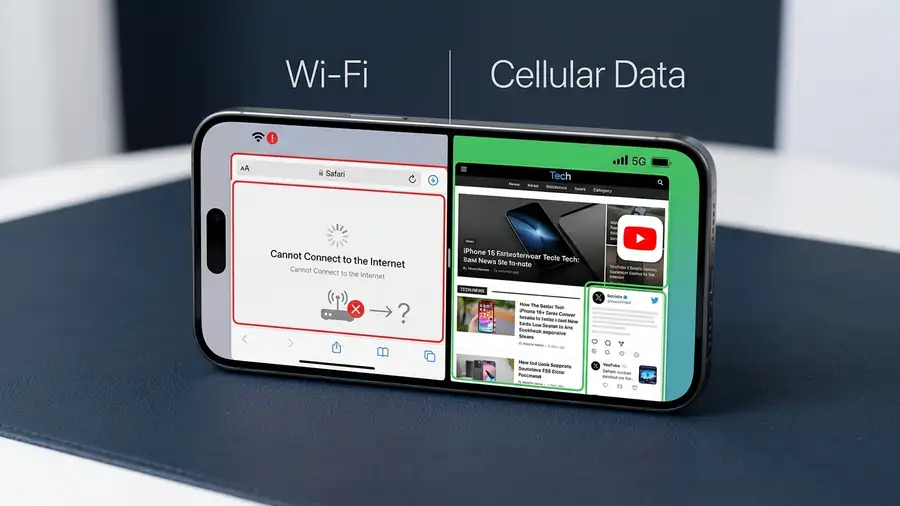
If your internet connection changed after the update, test the two connections separately.
Try:
Wi-Fi → Cellular Data
Then:
Cellular Data → Wi-Fi
If websites and apps work normally on cellular but not Wi-Fi, your Wi-Fi connection is a stronger suspect.
If both connections fail, check whether the problem affects every app or only one.
This simple comparison is more useful than immediately resetting your network settings.
Apps Crashing or Not Opening
If an app started crashing after installing iOS 27, don’t immediately assume the entire iPhone is faulty.
First, close and reopen the app.
Then check the App Store for an available update.
If several apps are affected, restart the iPhone and check for an available iOS update.
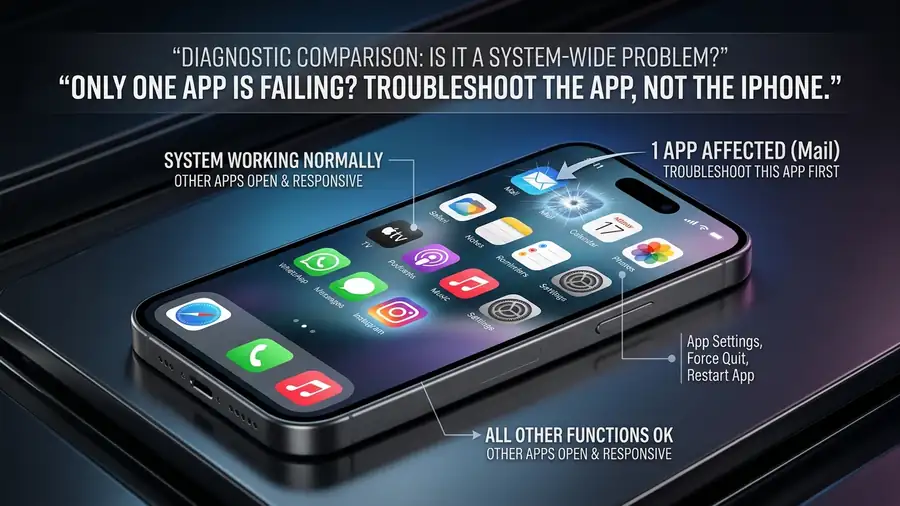
If only one app continues to crash while the rest of your iPhone works normally, focus your troubleshooting on that app.
An app may also need an update to improve compatibility with the new iOS version.
One Feature Is Broken, but Everything Else Works
This is an important distinction.
If your iPhone works normally but one feature suddenly doesn’t, avoid changing system-wide settings immediately.
For example:
Only Safari has a problem → troubleshoot Safari.
Only one app crashes → troubleshoot that app.
All apps are slow → investigate iPhone performance more broadly.
Wi-Fi fails but cellular works → focus on the Wi-Fi connection.
The smaller the problem, the fewer settings you need to change.
When It’s More Likely to Be an iOS Bug
A problem becomes more suspicious when:
- It started immediately after the iOS update.
- Multiple unrelated apps or features are affected.
- Restarting doesn’t help.
- The issue continues after the update has finished its background tasks.
- Other iPhone users are reporting the same behavior.
Before trying a major reset, check whether Apple has released a newer iOS update.
You can also check Apple’s support information for the current iOS release and follow-up updates. Apple regularly publishes details about bug fixes and security updates. (support.apple.com)
Quick Diagnosis
| What you’re seeing | What to check first |
|---|---|
| Battery drains faster immediately after update | Give the iPhone a few days and check Battery |
| iPhone feels warm after updating | Let background update tasks finish |
| iPhone stays extremely hot | Stop intensive use and let it cool |
| One app crashes | Update or troubleshoot that app |
| All apps feel slow | Restart and check for an iOS update |
| Wi-Fi fails but cellular works | Check the Wi-Fi connection |
| Several features fail | Check iOS updates and broader system issues |
| Problem continues for several days | Check for a newer iOS release |
FAQ
Is it normal for an iPhone to have problems after an iOS update?
Some temporary changes can happen after a major update. Apple says background tasks related to the update can temporarily affect battery life and thermal performance. If the problem continues, investigate the specific symptom rather than assuming it’s normal. (support.apple.com)
Why is my iPhone battery draining faster after iOS 27?
If the update was installed recently, background tasks may temporarily increase battery use. Apple recommends waiting a few days and checking the Battery settings again. (support.apple.com)
Why is my iPhone hot after updating?
An iPhone can become warmer while completing a major software update or other processor-intensive tasks. If it becomes extremely hot or shows a temperature warning, stop using demanding features and allow it to cool. (support.apple.com)
Should I reset my iPhone after an iOS update causes problems?
Usually, no. First identify whether the problem is limited to one app, one connection, or the entire system. Check for updates and allow some time for post-update background tasks before considering more destructive troubleshooting.
More iPhone Troubleshooting Guides
Having another iPhone problem? These troubleshooting guides may also help:
- FaceTime Not Working on iPhone? 8 Things to Check
- iPhone Storage Full but You Have Space? 10 Fixes
- iPhone System Data Taking Up Too Much Space? 10 Fixes
Final Thoughts
When your iPhone has problems after iOS 27, don’t assume every change means the update is faulty.
First, identify the symptom.
If battery life is worse immediately after installation, give the iPhone time and check Battery again. If the phone is warm, distinguish normal post-update activity from actual overheating. If one app fails, troubleshoot that app. If Wi-Fi works differently from cellular data, focus on the network.
The best approach is simple:
Find the smallest part of the iPhone that is actually failing, then troubleshoot that part first.
That can save you from resetting settings that were never causing the problem.