


Claude Usage Limit Reached? When It Resets and How to Fix It
Seeing the Claude usage limit reached message can interrupt your work, especially when you still need an answer. Before upgrading your plan or opening a new chat, check which limit you have reached and when it resets.
Claude usage limits depend on your plan, model, conversation length, and the features you use. Here is how to check your reset time and what to do next.
1. Check When Your Claude Usage Limit Resets
The quickest way to find out when you can use Claude again is to check your account.
- Open Claude on the web.
- Go to Settings > Usage.
- Review your session and weekly usage information.
- Check the reset time displayed for the limit you reached.
Depending on your plan, you may see a message such as “5-hour limit reached” or a notice that your weekly limit resets at a specific time.
For the most accurate information, use the reset time displayed in your own account rather than relying on a general estimate.
Official guide: How usage and length limits work.
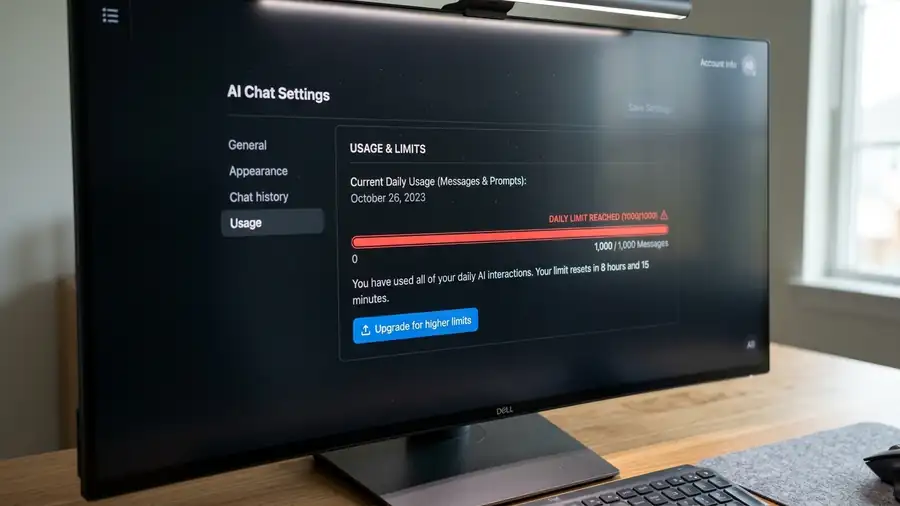
2. Understand the Different Claude Usage Limits
Claude has different limits, and they do not all reset at the same time.
- Session limit: Paid plans have a session limit that resets every five hours.
- Weekly limit: Some plans also have weekly usage limits, with a reset time assigned to your account.
- Length limit: This concerns how much information a single conversation can handle, not how much usage allowance remains.
If your five-hour session resets but Claude still blocks new requests, check whether you have reached a weekly limit. Waiting five hours will not necessarily resolve that restriction.
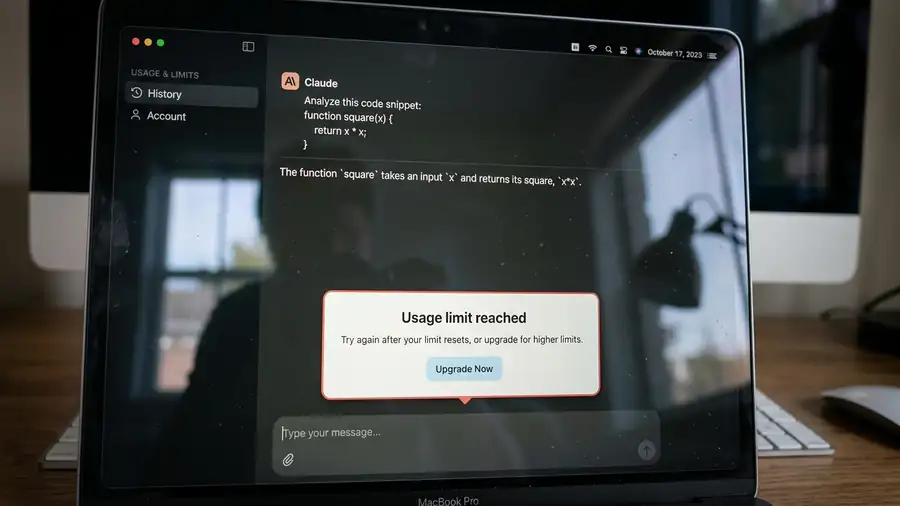
3. Look for the “Reset for Free” Option
Some eligible Claude accounts may receive a free usage limit reset.
To check whether this option is available:
- Open Claude on the web or in Claude Desktop.
- Go to Settings > Usage.
- Look for the Resets section.
- If you see Reset for free, review the offer and confirm only if you want to use it.
Depending on the offer, the reset may restore your five-hour session limit or weekly usage limit. It is not available to every account, and an offered reset may expire.
If you do not see the option, check the reset time shown in your account and wait for the relevant limit to reset.
Official instructions: What is a limit reset?.
4. Reduce Usage Before You Reach the Limit Again
If you regularly run out of Claude usage, a few changes may help your allowance last longer.
- Keep prompts focused instead of sending multiple overlapping requests.
- Avoid uploading the same large files repeatedly.
- Start a new chat when an old conversation is no longer needed.
- Use a lower effort setting for routine tasks when available.
- Turn off tools you do not need, such as web search or connected apps.
These steps can reduce unnecessary usage, but they will not immediately restore a limit you have already reached.
5. Can You Continue Using Claude Without Waiting?
Some users on eligible paid plans can enable usage credits to continue after reaching their included limits.
To check, open Settings > Usage and look for the Usage credits section. Review the spending controls before enabling the feature.
Usage credits are billed separately from your subscription. If you do not want additional charges, leave them disabled and wait for your account’s reset time.
Read Anthropic’s guide: Manage usage credits for paid Claude plans.
6. Claude Still Will Not Respond After the Reset?
If your usage page shows available capacity but Claude still does not accept messages, the issue may be unrelated to your usage allowance.
Check Claude’s status page for a service incident. If no issue is reported, refresh the page and sign in again.
If you have reached a conversation length limit rather than a usage limit, try starting a new chat. A new conversation can help with a length limit, but it does not reset your account’s session or weekly allowance.
Frequently Asked Questions
How long does the Claude usage limit last?
Paid plans have a five-hour session limit and may also have weekly limits. Your account’s Usage page shows the relevant reset information.
Why is Claude still limited after five hours?
You may have reached a weekly limit or another restriction. Check Settings > Usage to see which limit applies.
Does starting a new chat reset Claude’s usage limit?
No. A new chat can help if a conversation is too long, but it does not restore your usage allowance.
Can I bypass the Claude usage limit?
There is no guaranteed workaround for an account usage limit. You can use an eligible free reset if offered, wait for the reset, or review paid usage credits if you accept the extra cost.