
iPhone Photos Not Showing in Recently Deleted? Here’s Why
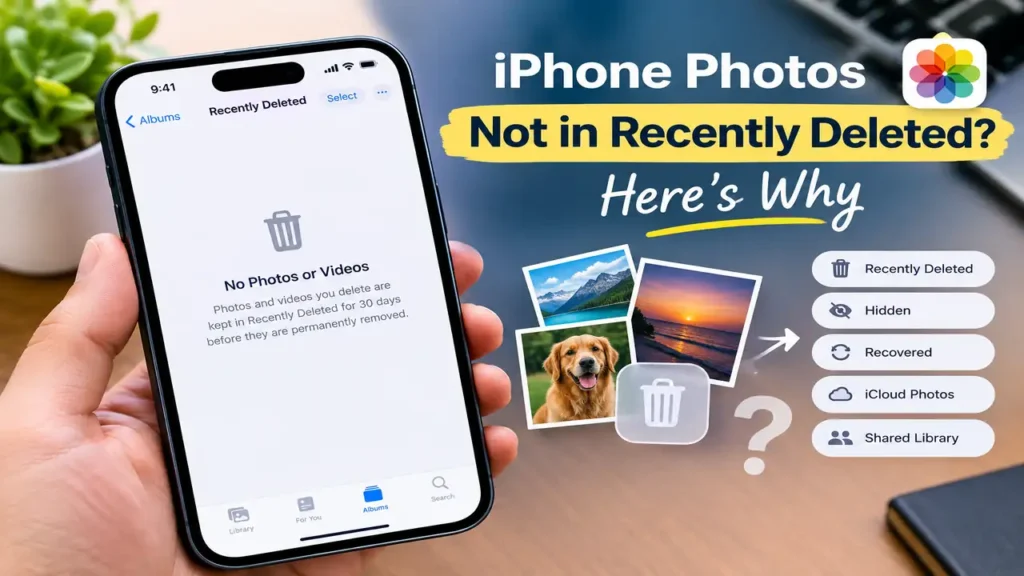
If iPhone photos are not showing in Recently Deleted, don’t assume they’re permanently gone yet.
You may be wondering: Why are my deleted photos not in Recently Deleted? Where did they go? The answer often depends on whether the photo was actually deleted, hidden, moved to a Shared Library, or affected by iCloud Photos.
Normally, deleted photos and videos move to Recently Deleted, where they stay for 30 days before being permanently removed. If the photo isn’t there, check the other places below before assuming it’s gone.
First, Check What Actually Happened
Think about what you did immediately before the photo disappeared:
You tapped Delete: the photo should normally move to Recently Deleted.
You emptied Recently Deleted: the photo may have been permanently removed.
You deleted it more than 30 days ago: it may have been automatically removed.
You only hid the photo: it may be in the Hidden collection instead.
You use iCloud Photos: deleting a photo on one device also deletes it from other devices using the same Apple Account.
The photo was in a Shared Library: another participant may have deleted it, and recovery can work differently.
That distinction can save you from trying random fixes.
1. Check Recently Deleted First
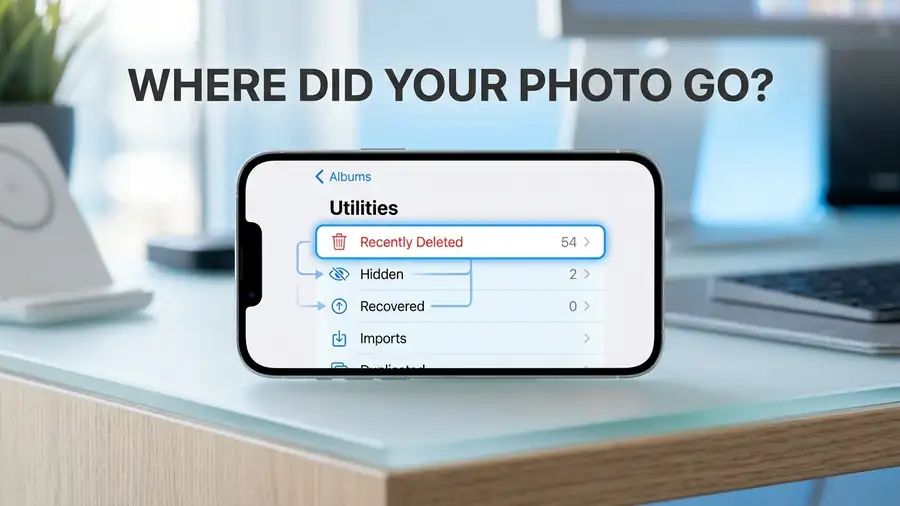
Open Photos → Collections, scroll down to Utilities, then tap Recently Deleted.
Tap View Album and authenticate with Face ID, Touch ID, or your passcode.
If the photo is there, select it and tap Recover. Apple keeps deleted photos and videos in Recently Deleted for 30 days.
If the album is empty or the missing photo isn’t there, don’t keep searching the same folder. Move on to the checks below.
2. Check the Hidden Collection
A photo that seems to have disappeared may not have been deleted at all. It could have been moved to Hidden.
Go to:
Photos → Collections → Utilities → Hidden
Unlock the collection and look for the missing photo. If you find it, tap the appropriate option to Unhide it.
Don’t see the Hidden album?
The Hidden collection can itself be hidden from the Photos app.
Go to:
Settings → Apps → Photos
Then make sure Show Hidden Album is turned on.
Apple specifically recommends checking the Hidden album when photos appear to be missing.

3. Check iCloud Photos
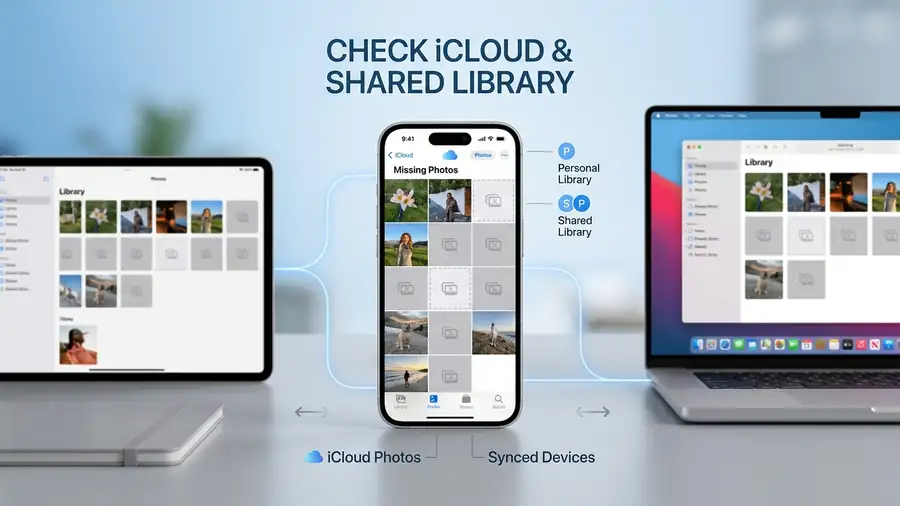
If you use iCloud Photos, your photo library stays synchronized across your Apple devices.
That means deleting a photo on your iPhone can also remove it from other devices signed in with the same Apple Account.
Check:
Settings → [your name] → iCloud → Photos
Make sure Sync this iPhone is enabled.
If you just turned iCloud Photos back on, connect to Wi-Fi and give Photos some time to sync before checking again. Apple notes that photos may take a few minutes to appear after syncing is enabled.
You can also check iCloud.com → Photos → Recently Deleted. If the photo is still within the recovery period, you may be able to recover it there.
4. Check the Recovered Collection
On newer versions of iOS, there’s another place worth checking: Recovered.
Apple says that if photos or videos don’t appear in Recently Deleted, they may sometimes be found in the Recovered collection.
Open:
Photos → Collections → Utilities → Recovered
If the missing photo appears there, follow the available option to restore it to your library.
This is especially worth checking if the photo disappeared unexpectedly rather than after a normal delete.
5. Check Your Shared Library
If you use iCloud Shared Photo Library, make sure you’re looking at the correct library view.
Open Photos → Collections and use the library view options to check Both Libraries, Personal Library, or Shared Library.
A photo that was moved into the Shared Library may not appear where you expect it in your Personal Library.
If another participant deleted a shared photo, it moves to Recently Deleted. However, only the person who originally contributed that photo can permanently delete or recover it from Recently Deleted.
So if you’re looking for a shared photo, check with the person who originally added it.
6. What If the Photo Was Deleted More Than 30 Days Ago?
This is the important cutoff.
Apple keeps deleted photos and videos in Recently Deleted for 30 days. After that, they’re permanently removed. The same applies if you manually delete the photo from Recently Deleted before the 30 days are over.
So if the image is:
Not in Recently Deleted
Not in Hidden
Not in Recovered
Not in your iCloud Photos library
And was deleted more than 30 days ago
then the normal Photos recovery option is no longer available.
Quick Diagnosis
| What you see | What to check |
|---|---|
| Photo is in Recently Deleted | Recover it |
| Recently Deleted is empty | Check Hidden, Recovered, and iCloud |
| Hidden album isn’t visible | Turn on Show Hidden Album |
| Photo is in Hidden | Unhide it |
| Photo is in Recovered | Restore it to your Library |
| Photo came from Shared Library | Check who originally added it |
| Deleted more than 30 days ago | It may be permanently removed |
| Manually deleted from Recently Deleted | Normal recovery isn’t available |
FAQ
Why are my deleted photos not showing in Recently Deleted?
They may have been hidden instead of deleted, moved to a Shared Library, permanently deleted, or removed after the 30-day recovery period. Check Hidden, Recovered, iCloud Photos, and Shared Library before assuming they’re gone.
Where did my deleted photos go on iPhone?
Normally, deleted photos move to Recently Deleted. If they’re not there, check Hidden, Recovered, your iCloud Photos library, and your Shared Library view.
Can I recover a photo that isn’t in Recently Deleted?
First check iCloud Photos, Hidden, Recovered, and Shared Library. If the photo was permanently deleted or has passed the 30-day period, Apple’s normal Photos recovery option won’t restore it.
More iPhone Troubleshooting Guides
Still having problems with your iPhone? These troubleshooting guides may help:
- iPhone Storage Full but You Have Space? 10 Fixes That Work — Find out why your iPhone says storage is full even when you still have free space.
- iPhone System Data Taking Up Too Much Space? How to Reduce It — See what System Data includes and what you can do when it takes up too much storage.
- FaceTime Not Working on iPhone? 8 Things to Check — Troubleshoot FaceTime activation, connection, calls, video, and other common problems.
Final Thoughts
If iPhone photos are not showing in Recently Deleted, don’t immediately install a recovery app or reset your iPhone.
Start with Recently Deleted, then check Hidden, Recovered, iCloud Photos, and Shared Library. These checks can tell you whether the photo is actually gone or simply somewhere else in your Photos library.
If the photo is still within Apple’s normal recovery period, you may be able to get it back without using third-party software.